About JioMart Guide - Online Grocery
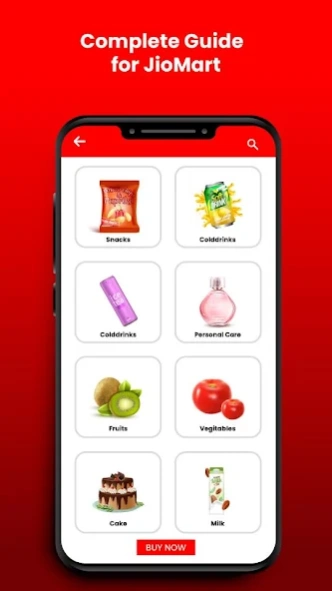
JioMart Guide - Online Grocery Shopping app is a complete guide for jiomart grocery shopping and gives you detailed information to cover your queries about JioMart Online Grocery Shopping. What is JioMart? JioMart is the b
JioMart Guide - Online Grocery Shopping app is a complete guide for jiomart grocery shopping and gives you detailed information to cover your queries about JioMart Online Grocery Shopping.
What is JioMart?
JioMart is the brainchild of Mukesh Ambani, where he wants to dominate the local Kirana space.
Through Jiomart Reliance wants to leverage the customer base of Jio and create a platform to bring local Kirana stores under it and serve customers. It is online to the offline business model where customers place orders online and delivery happens through offline shops.
Jio has partnered with Facebook and that helped Jio to utilize the WhatsApp network to launch Jiomart. It is currently rolled out in phases and started in some area in Mumbai.
Here’s how you can place an order on JioMart
- To place an order through JioMart, You have to add JioMart's WhatsApp number 88500 08000 to your contacts
- After adding the number, You have to send a message to the JioMart number. Type “Hi” and send to the number.
- JioMart will then reply with the shopping link along with a message that reads "Welcome to JioMart WhatsApp Order Booking Service”. The shopping link will be only active for 30 minutes. To generate a new link, You will have to send a fresh message.
- Once you open the link, you will be redirected to a page that would ask for your personal details like mobile number, area, locality, etc.
- After the details are entered and submitted, the new page with the grocery items listed vertically will appear. You can add the items to your cart.
- Once you generate the order, JioMart will send an invoice along with the grocery store's address and location on Google Maps.
- Post which, the customer will receive an SMS from the store when the order is ready. They can go and pick up the order from the store and pay there itself.
Features Of JioMart
- Easy to use
- Small size app
- Beautiful UI/UX design
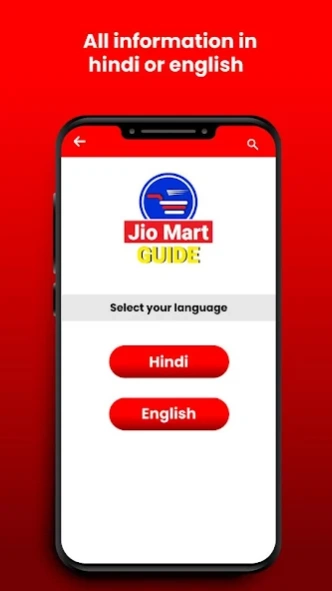
- The app is available in two languages. 1. Hindi 2. English
Disclaimer: This is not an official app of JioMart. This app only shows you detailed information about JioMart.
We made this app only for informational purposes.
We're not affiliated in any way to JIOMart™ / JIO™ or any other companies.
For feedback and suggestions contact us at - digitalappshub@gmail.com
Previous Versions
Here you can find the changelog of JioMart Guide - Online Grocery since it was posted on our website on 2021-04-27 17:57:00.
The latest version is 1.0 and it was updated on 2026-10-14 05:11:57. See below the changes in each version.
JioMart Guide - Online Grocery version 1.0
Updated At: 2020-05-28
Disclaimer
Official Google Play Link
We do not host JioMart Guide - Online Grocery on our servers. We did not scan it for viruses, adware, spyware or other type of malware. This app is hosted by Google and passed their terms and conditions to be listed there. We recommend caution when installing it.
The Google Play link for JioMart Guide - Online Grocery is provided to you by apps112.com without any warranties, representations or guarantees of any kind, so access it at your own risk.
If you have questions regarding this particular app contact the publisher directly. For questions about the functionalities of apps112.com contact us.